PProduct informationManaged installation
Cashew PIM
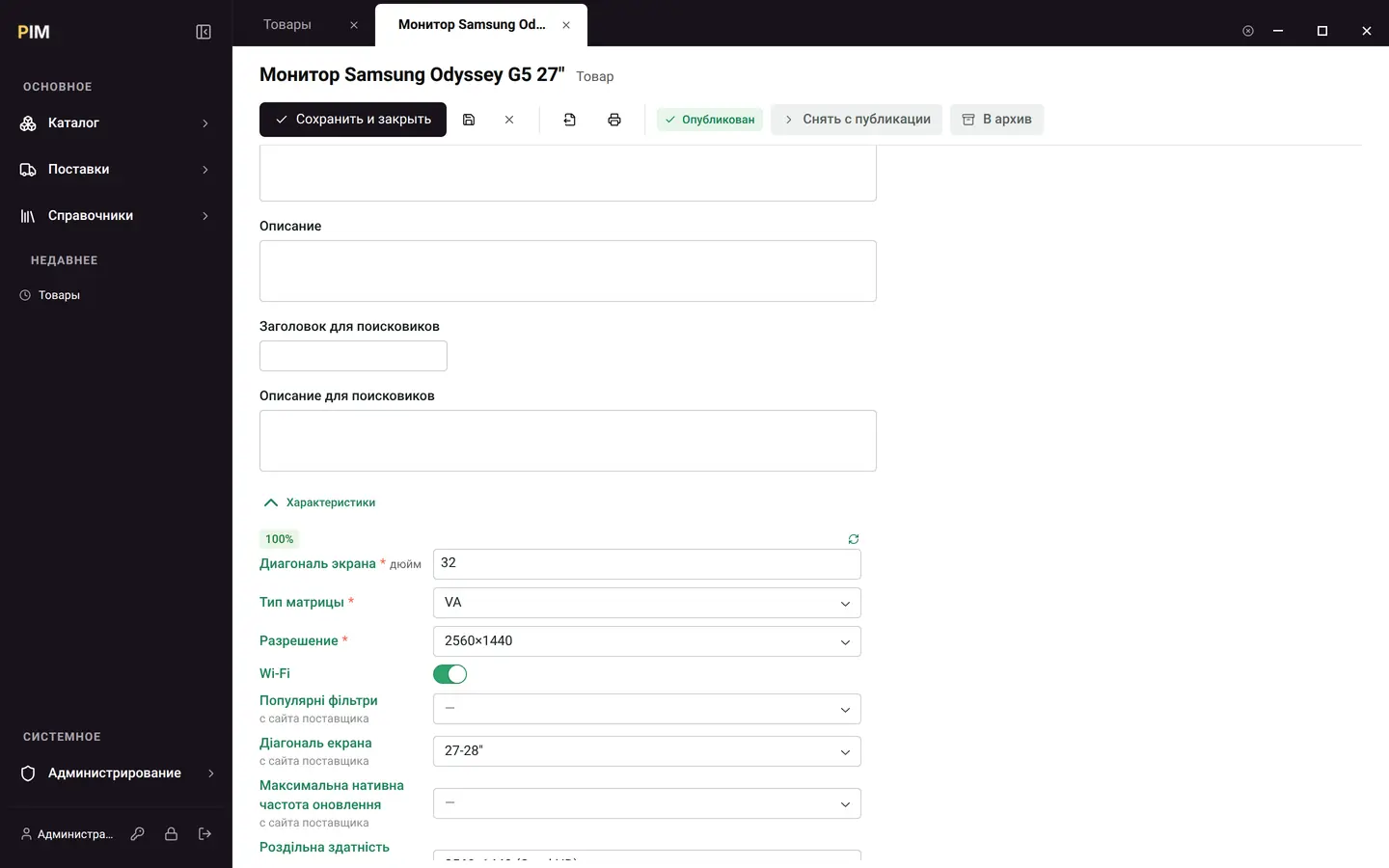
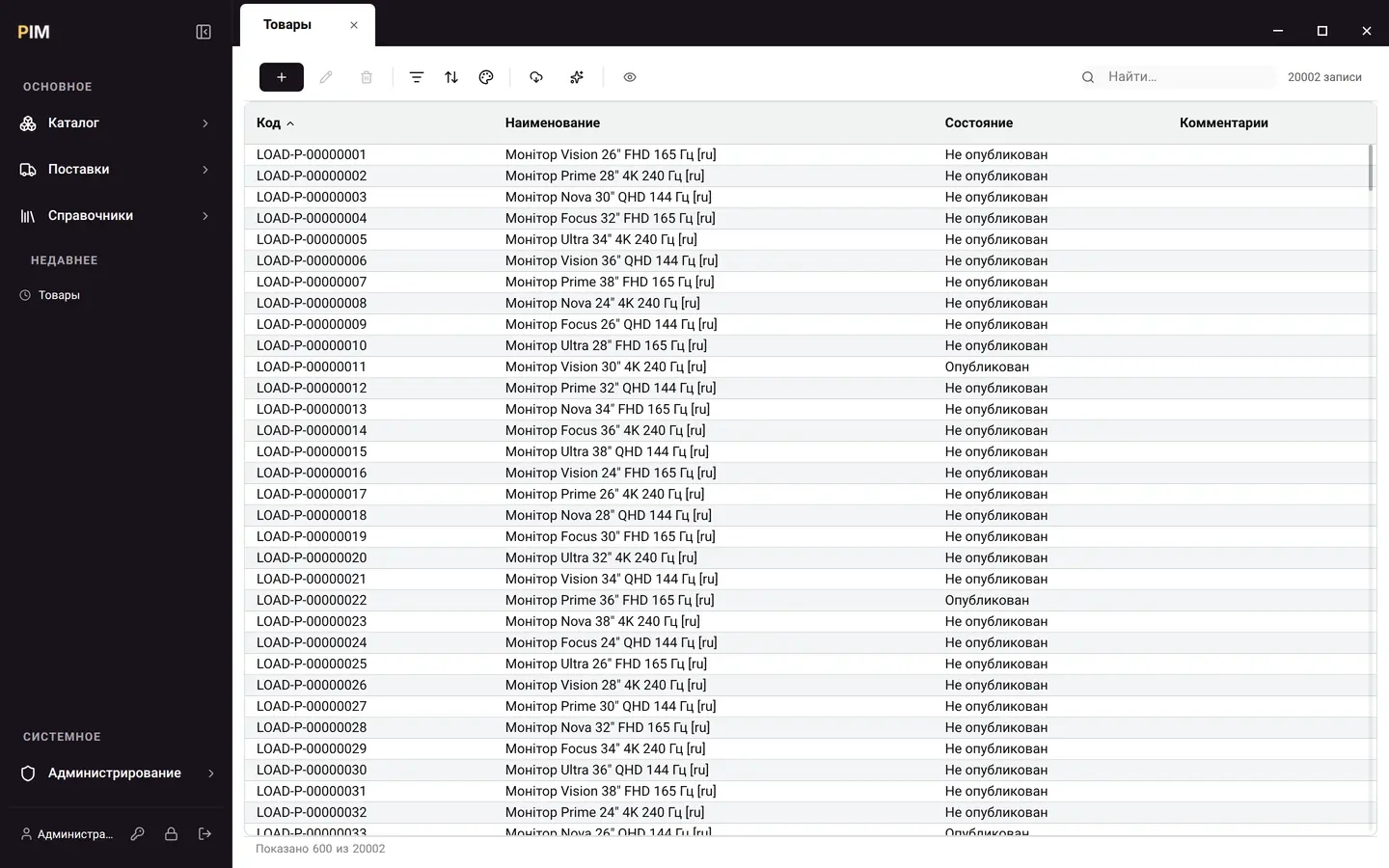
Bring your catalog, supplier offers and product characteristics together in one clear system.
- Catalog
- Feeds
- AI enrichment
- GS1 / GPC
Inside Cashew PIM
Cashew business products
Product catalog, accounting and licenses in one workspace. Run products at your company’s own address and leave the updates to us.
Your own address. Single sign-on. A convenient cabinet.
Illustration of the client cabinet
Products
Pick the tool you need.
Address, access and licenses will be in one cabinet.
Bring your catalog, supplier offers and product characteristics together in one clear system.
Accounting and company management: reference data, documents, reports. Adapts to your structure without programming.
Issuing, renewing and verifying licenses. For your own installations and partner sales.
Translation and language detection via API for your apps and bots.
In focus · Cashew PIM
Data comes from all over the place. In PIM it becomes product cards that are easy to work with.
Vendor feeds and offers are matched to your catalog by barcode.
The category sets the characteristics, and AI fills them in with values from the sources.
Photos, characteristics and codes go into exports for the channels you choose.
How it works
From registration to your own product — four clear steps.
Register a companyCashew ID is a single sign-in to your company’s cabinet and products.
Your company gets its own subdomain.
company.knowrianism.orgStart the deployment from the cabinet. The product will run on our platform.
Addresses, licenses, updates and administrator access — all in one place.
Before the first launch
On the Cashew platform. Your company gets its own address like company.knowrianism.org; launch and management are available in the cabinet.
No. Cashew ID signs you in to the cabinet and products. Licenses, installation addresses and updates are available in one place.
Yes. Once Cashew PIM is deployed, a 30-day trial period begins. You don’t need to pay until it ends.
The price and currency are shown in the cabinet and depend on your company’s country. The terms are available when you choose a product.
A partner registers clients right in the cabinet — the invitation goes to the contact person’s email — and tops up the balance from which licenses are renewed.
Create a Cashew ID account and choose the tools for your company.